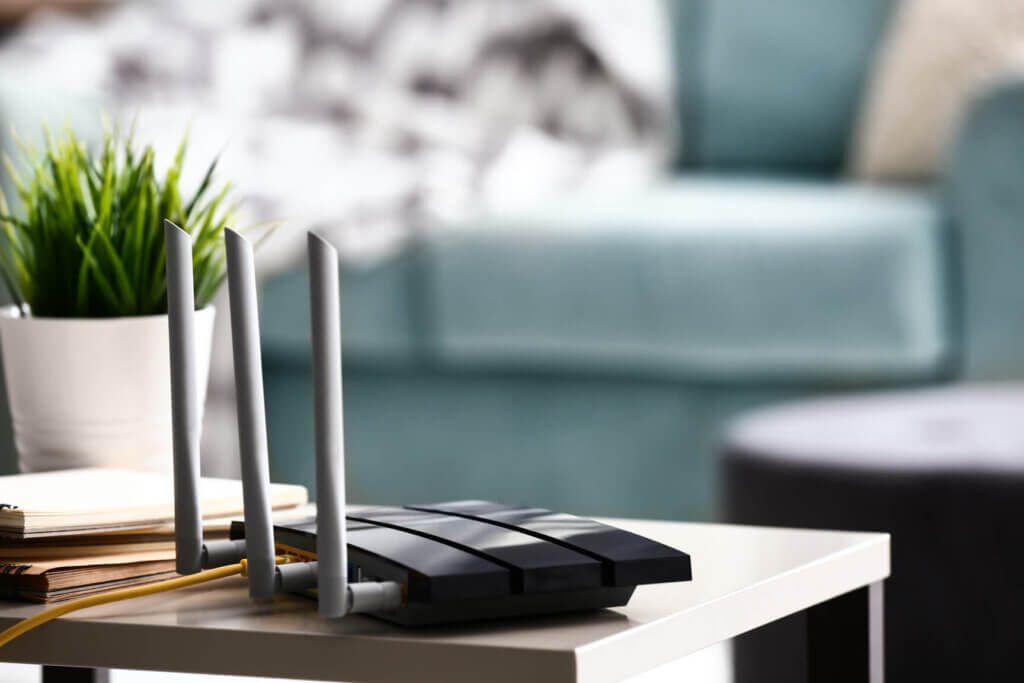



This article provides the router settings that may help you to set up your own router (third party) for use on our network. We only recommend doing this if you are confident with this technology as we do not support third party routers. For further assistance with setting up a third party router please contact the router manufacturer/company you purchased it from.
Don’t forget to make sure you save our Quickline router in case you have any trouble. That way, if you’re struggling or have any issues with your third party router, you can always plug in and use the router we provide. You can find more details about our router here.
Before getting started you’ll need to know which technology type you are on. If you’re unsure, you can find this on your contract summary under the “Service and Equipment” heading next to “Technology”.
Use the following settings when you set up your own router: #
We are happy to provide all the details you need to get started, but cannot help with how these are input when setting up a third party router.
Fibre (FTTP)
• Type: Ethernet
• Mode: Routing
• Encapsulation: PPPoE
• IPv4/IPv6: IPv4/IPv6 Dualstack
• IP address: Dynamic / Automatic / Obtain Automatically
• DNS: Dynamic / Automatic / Obtain Automatically
• MTU size: 1492
• VLAN: 911
• CoS: 0
5G
• Type: Ethernet
• Mode: Routing
• Encapsulation: IPoE
• IPv4/IPv6: IPv4/IPv6 Dualstack
• IP address: Dynamic / Automatic / Obtain Automatically
• DNS: Dynamic / Automatic / Obtain Automatically
• MTU size: 1492
• VLAN: N/A
• CoS: N/A
5GHz
• Type: Ethernet
• Mode: Routing
• Encapsulation: PPPoE
• IPv4/IPv6: IPv4/IPv6 Dualstack
• IP address: Dynamic / Automatic / Obtain Automatically
• DNS: Dynamic / Automatic / Obtain Automatically
• MTU size: 1492
• VLAN: N/A
• CoS: N/A
FWA
• Type: Ethernet
• Mode: Routing
• Encapsulation: PPPoE
• IPv4/IPv6: IPv4/IPv6 Dualstack
• IP address: Dynamic / Automatic / Obtain Automatically
• DNS: Dynamic / Automatic / Obtain Automatically
• MTU size: 1492
• VLAN: N/A
• CoS: N/A
Should you require your PPP account “username and password” this can be provided if you get in touch with us at:
- Email: tech.help@quickline.co.uk
Don’t Forget; we offer a great router that we set up for you, this helps us support over the phone or by email, so if you aren’t confident with the above you can still enjoy a great service. You can find more details about our router here.
Don’t forget to Follow us on Facebook for the more tips and tricks.