
Whether you’re streaming movies in the living room, working from a home office, or browsing the web from your bedroom, solid and whole-home Wi-Fi coverage in every room ensures you stay connected wherever you are. And keeps everyone happy and online!
In this guide, we’ll explore how you can ensure seamless Wi-Fi coverage throughout your home with Quickline’s WiFi Everywhere.
How Do I Get Wi-Fi in Every Room?
Check Your Current Setup
The first step to getting Wi-Fi in every room is to check your current setup. Identify areas in your home where the Wi-Fi signal is weak or non-existent. This will help you determine where you need to improve coverage.
Next, check your internet connection with a speed test to see how fast it is. If it’s slow or not operating at the speed you’re expecting, that could be the root of the problem, contact your service provider if so.
Create a strong Wi-Fi password to prevent anyone else from using your internet, and disconnect any unused devices from the network to reduce strain on your broadband capacity.
Upgrade Your Router?
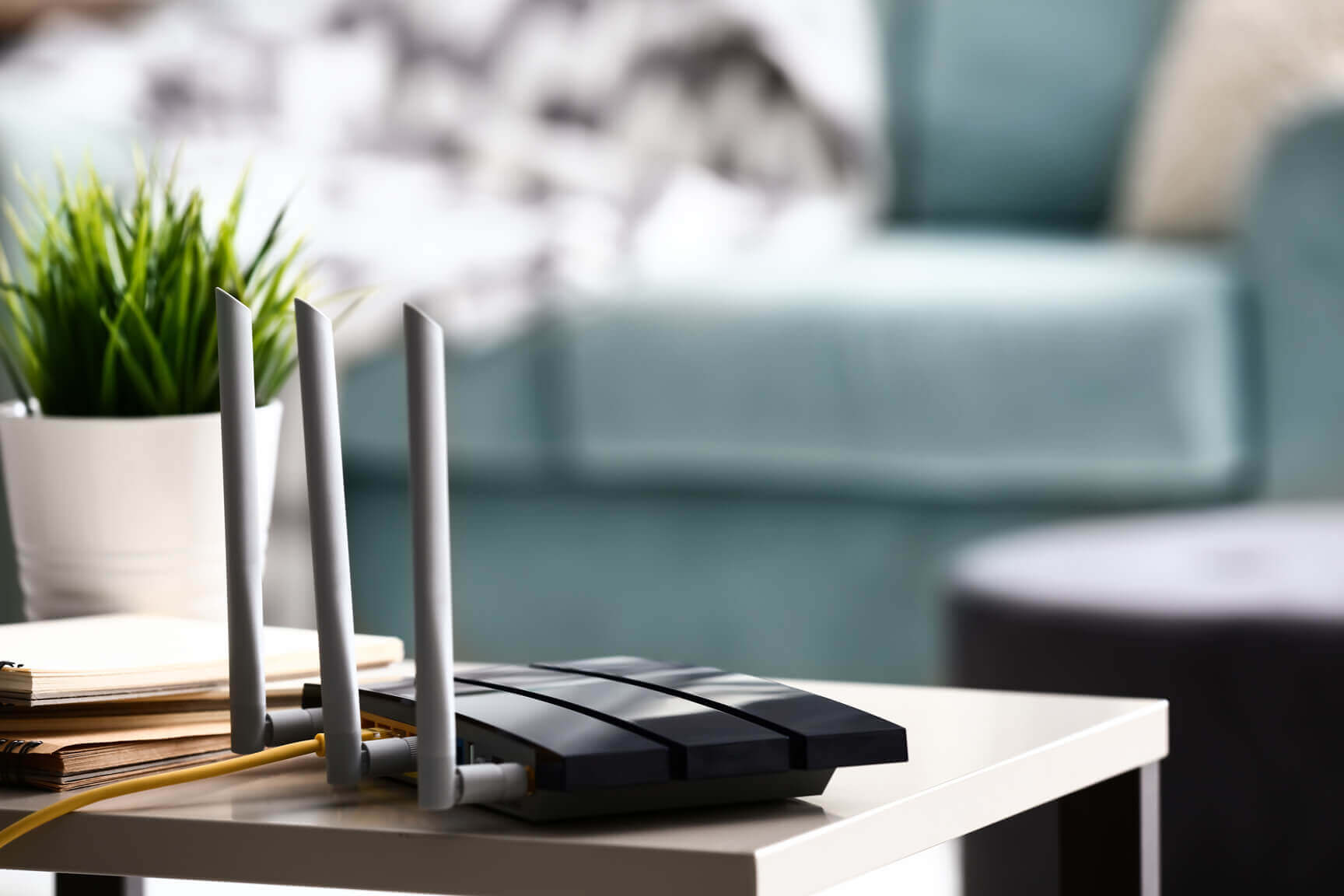
Routers can range in price from £20 to hundreds of pounds, but there are several key factors to look out for. It’s important to make sure you have the right type of router for your network. There are three main types of wireless router – ADSL for provider’s using older copper networks, VDSL for Fibre to the Cabinet based services and DOCSIS for Virgin Media.
Look for routers with Wi-Fi 4 which will allow speeds of up to 200Mbps. And finally, look for tri-band routers for the best results. These broadcast on three different frequencies, giving you the standard 2.4GHz band plus two 5GHz bands, providing less signal interference.
Make Sure Your Router Is Well Placed
Where your router is placed can play a big role in the strength and coverage of your Wi-Fi signal.
Your router should be placed in a central location within your home, away from any large obstructions, including walls and large appliances. And did you know that bringing your router off the floor can help improve signal quality? Well, you do now! It’s also a good idea to keep your router’s firmware updated to ensure you’re protected, and everything runs as it should.
Invest in a Wi-Fi Range Extender
If areas in your home have a weak Wi-Fi signal, consider investing in a Wi-Fi range extender. A range extender works by picking up the existing Wi-Fi signal from your router and amplifying it, extending coverage to areas that were previously out of range. Simply plug the range extender into a power outlet within the range of your existing Wi-Fi network, and it will boost the signal strength in that area.
Use Powerline Adapters
Powerline adapters are another option for extending Wi-Fi coverage throughout your home, especially in areas with weak Wi-Fi signals due to thick walls or interference. They use your home’s electrical wiring to transmit data, allowing you to create a wired connection in rooms. Simply connect one adapter to your router and plug it into a power outlet, then connect additional adapters to power outlets in other rooms to create a wired connection and extend your Wi-Fi network across your home.
Consider Mesh Wi-Fi Systems
Mesh Wi-Fi systems are designed to provide seamless coverage throughout your home by using multiple access points or nodes to create a single, unified network. Unlike traditional Wi-Fi range extenders, which can sometimes create separate networks with different SSIDs, mesh Wi-Fi systems maintain a single network name (SSID) and automatically connect devices to the node with the strongest signal. This ensures a seamless transition as you move throughout your home without any connection drops. If you’d rather skip the setup and let us handle it, Quickline’s WiFi Everywhere delivers whole-home Wi-Fi coverage with no dead spots, no complicated setup, and no separate kit to source yourself.
By following these tips and utilising the right tools, you can ensure that every room in your home has reliable Wi-Fi coverage with Quickline Broadband. Whether you opt for a Wi-Fi range extender, powerline adapters, or a mesh Wi-Fi system, investing in the right solutions will ensure you stay connected and enjoy high-speed internet access in every corner of your home. Say goodbye to Wi-Fi dead zones and hello to seamless connectivity with Quickline Broadband.
Quickline – Broadband built for you
With Quickline, it doesn’t matter what you want from your internet connection. Whether you’re a home user looking to browse, download, work from home, stream or play games, we have reliable home broadband to ensure everything goes smoothly.
Think it’s time to improve your connection? Check broadband availability to see whether you can access our lightning-fast broadband today. For more hints and tips simply follow Quickline on Facebook.