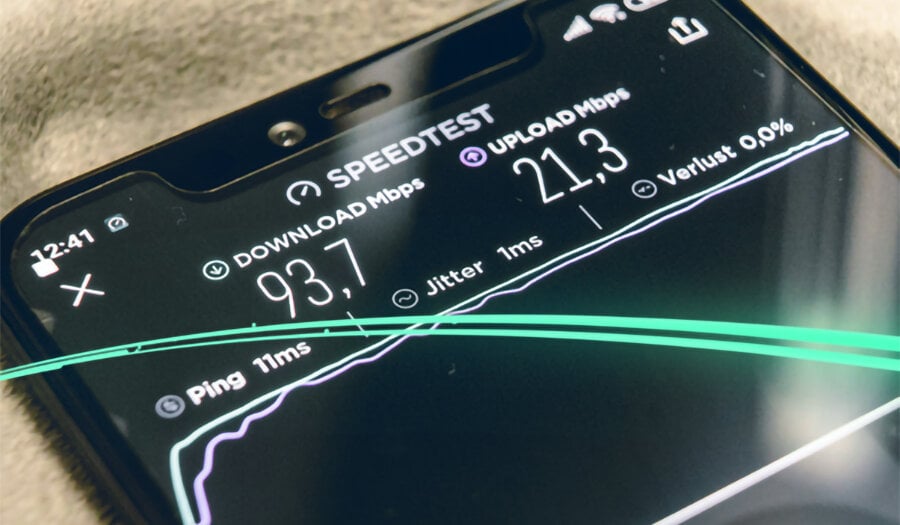
In online gaming, your ping can be described as the delay between you performing an action (pressing the button to jump out of your Fortnite bus) and receiving a response from the game server (your character jumping out). A high ping could cause a delay between the button press and the character’s action, whereas low ping would make this action instantaneous.
Playing with high ping causes lag and sets you at a massive disadvantage compared to your lower-latency competitors. There’s nothing that can interfere with a gamer’s online experience quite like having a sky-high ping.
Carry on reading to find out what causes high ping and how you can prevent it from interrupting your online experience.
What is a good ping speed?
A good ping speed is typically 50ms or lower and a high ping speed is typically over 200ms. Having a good ping is crucial for online gaming as it directly affects the responsiveness of your actions in the game. A lower ping means less lag and a more seamless gaming experience. If you are experiencing high ping levels, it can be frustrating and impact your gameplay.
- Under 20ms – Excellent. Competitive gaming level, you’ll have a genuine reaction-time advantage.
- 20–50ms – Good. Most games will run smoothly with no noticeable lag.
- 50–100ms – Acceptable for casual play, but you may notice slight delays in fast-paced games like shooters or fighting games.
- 100–200ms – Poor. Lag may be felt regularly and will affect your performance.
- Over 200ms – Unplayable for most online games. Actions will feel disconnected from outcomes.
What can cause a high ping?
There are several reasons why your ping may be high. The most common reasons are:
- Slow or unstable internet connection
- If your internet speed is not up to par, it can result in delays in communication between your device and the game server. Stick with an ISP that can deliver smooth broadband for gaming.
- Distance between your location and the game server
- The further away you are from the game server, the longer it takes for data to travel back and forth, leading to higher ping levels. If you’re playing on a game server in another continent, you’ll have higher ping than local players. The good news is that most online games allow you to manually select which server region you connect to. If you’re defaulting to an automatic selection, it’s worth checking your in-game settings
- Network congestion
- When there is a lot of traffic on the network, it can slow down the communication between your device and the server. If you’ve got a large number of devices demanding high network load simultaneously (e.g. multiple other devices streaming, downloading etc), then you may need to upgrade your broadband plan to accommodate.
- Wired vs wireless connection
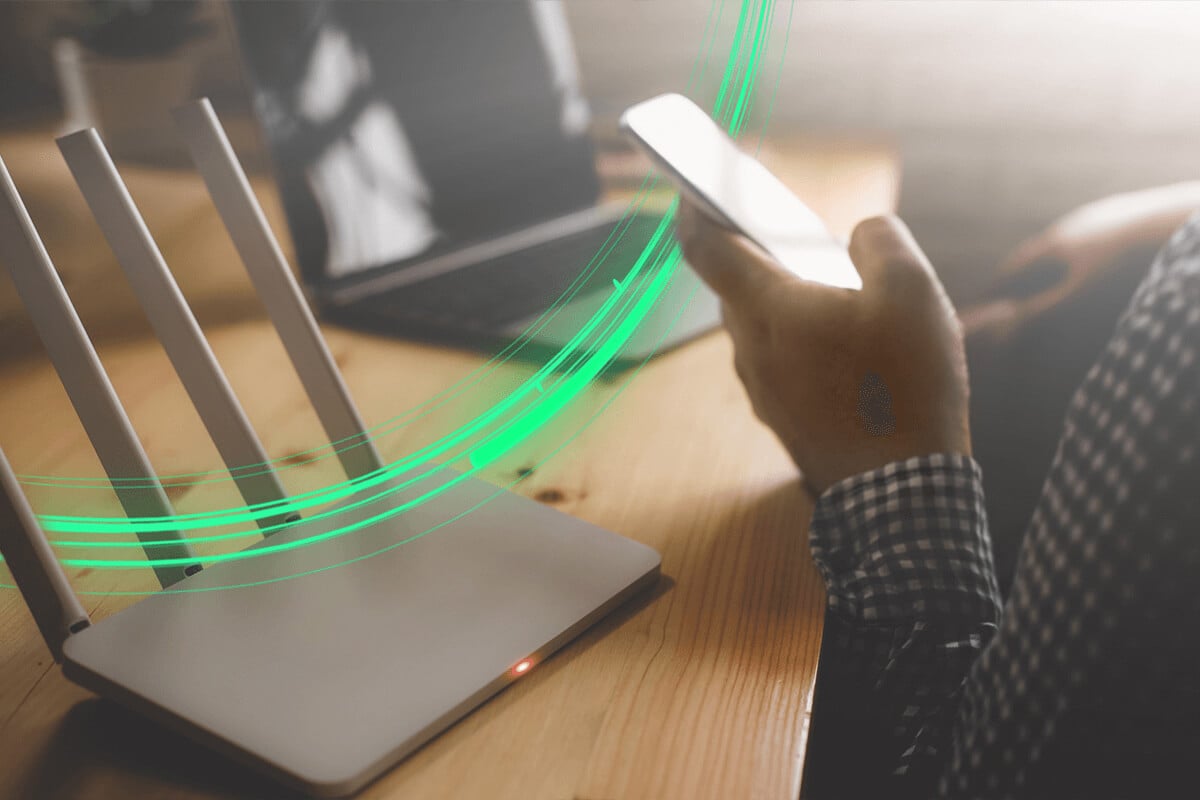
- This is one of the most overlooked causes of high ping – and one of the easiest to fix. Wi-Fi connections can introduce wireless interference, signal instability, and additional latency that a wired ethernet connection simply doesn’t have. If you’re really serious about reducing your ping, plugging directly into your router with an ethernet cable is the single most impactful change you can make.
- Router placement
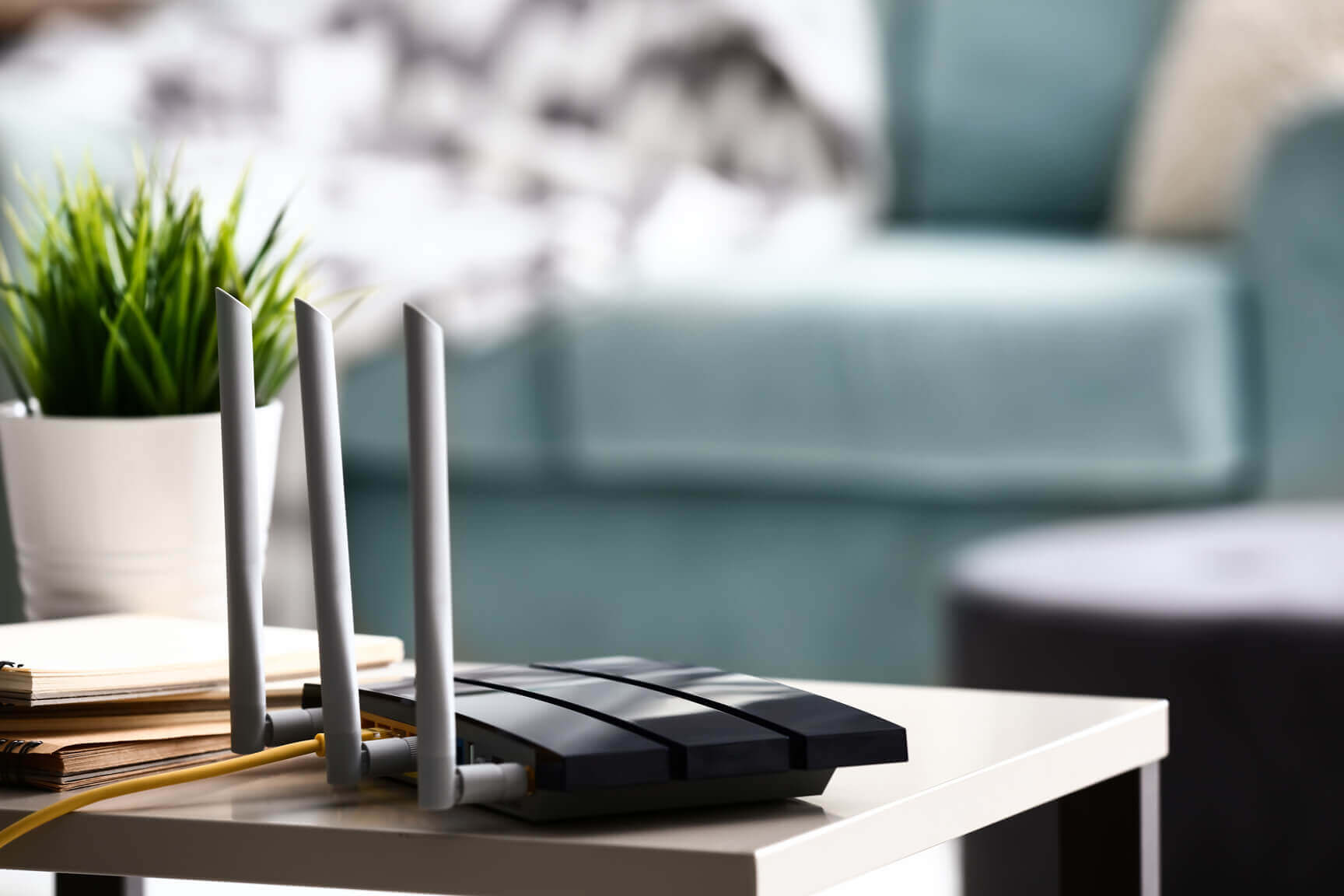
- If you’re gaming on Wi-fi then router placement matters too. A router tucked in a cupboard, behind the TV, or on the floor will produce a weaker signal than one positioned centrally and elevated. If you’re gaming wirelessly, the closer and clearer the line between your device and the router, the better.
How can you improve your ping speed?
Here are a few things you can try to help improve your ping speed:
- Switch to a wired ethernet connection – immediate, free, biggest single impact
- Close background apps and pause downloads – quick win before a session. Double check no downloads are occurring in the background e.g. game updates.
- Select the right server region in-game – free, takes 30 seconds. The less distance data has to travel the faster the response time will be.
- Reduce the number of devices connected – reducing the number of devices connected can help alleviate network congestion.
- Upgrade your broadband plan – a fast and reliable connection will allow for smoother gameplay. If you’re serious about gaming, a high-speed full fibre broadband connection is for you.
By addressing these factors, you may be able to lower your ping and enjoy a smoother gaming experience. At Quickline, we’re all about delivering high-speed home broadband to areas other providers leave behind (so no more lagging during those crucial gameplay moments!). Think it’s time to improve your connection? Click here to see whether you can access our ultra-fast broadband today.
For more hints and tips and to stay in-the-know with all things Quickline, simply follow us on Facebook.